 Travel Template
A Little Something Extra
Winging It Mode
You don't have to fill every hour of the plan — meet two spontaneous moments a day.
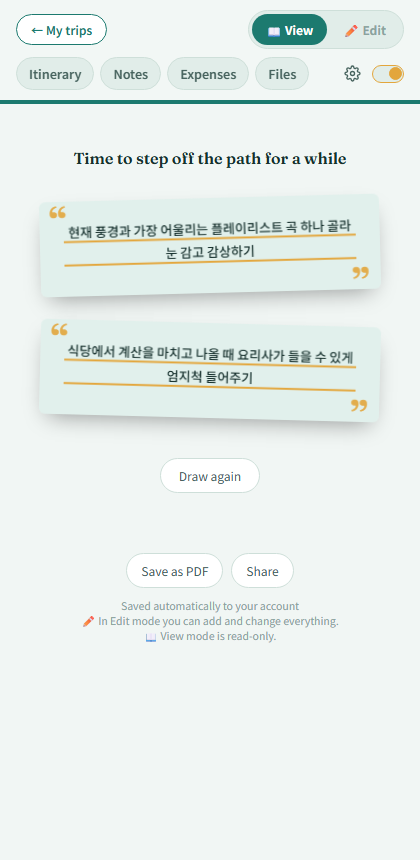
The Winging It mode screen
What's the winging-it switch?
There's a small switch at the right end of the tab row in the editor. Turn it on and today's 2 spontaneous missions appear as cards — anything from photo-composition challenges to short breaks and small acts of kindness.
How are today's missions chosen?
Once per day, per account, 2 are picked at random. Reopen it later the same day and you'll see the same 2.
Not feeling it?
Tap "Draw again" as many times as you like for a fresh pair.
This feature carries the app's own philosophy — plan your trip, but don't let the plan box you in.