 Travel Template
Getting Started
Create your first trip in 30 seconds
All you need is a Google account. No separate sign-up required.
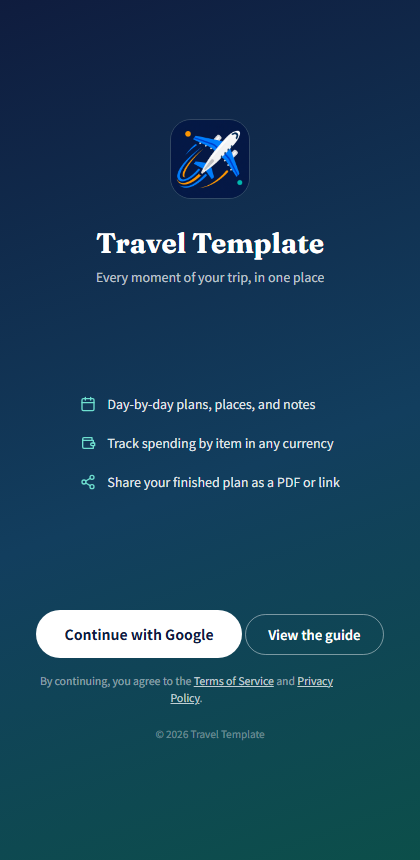
Sign-in screen
1. Sign in with Google
Tap "Continue with Google" on the landing screen. No new username or password to create.
2. Create a new trip
Once signed in, you'll see your trip list (My Trips). Tap "+ New trip" to jump straight into the itinerary editor.
3. Add a title and dates
Type your trip title at the top, and enter dates on each day card. You can type digits only (e.g. 20260315) and it formats automatically.
Free accounts can create up to 3 trips, with up to 10 photos per trip.
4. View mode vs. Edit mode
Switch between View and Edit in the top-right corner. Edit mode lets you change anything; View mode is read-only, so you won't accidentally change something while just looking things up.
5. Auto-save
Everything you type is saved automatically to your account. There's no save button to remember.